Creating a home office that combines comfort and functionality is essential for anyone working from home. A cozy and well-organized workspace can boost productivity, improve focus, and make your workday more enjoyable. Whether you have a dedicated room or just a small corner, these tips will help you design a home office that feels inviting and supports your needs.
Choose the Right Location
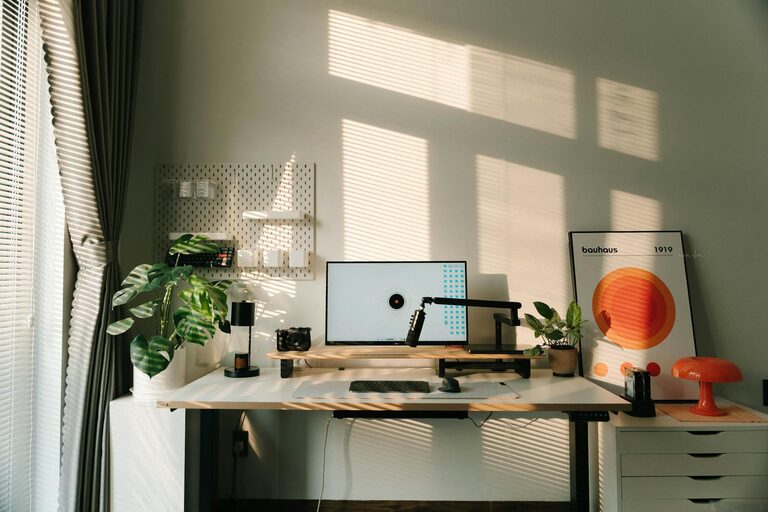
The first step is selecting the best spot for your home office. Ideally, choose a quiet area with minimal distractions. If possible, pick a room with a door you can close to separate work from home life. Natural light is a big plus, so try to position your desk near a window. If natural light is limited, invest in good quality lighting to reduce eye strain and create a pleasant atmosphere.
Invest in an Ergonomic Chair and Desk
Comfort is key when working for extended periods. Look for an ergonomic chair that supports your back and encourages good posture. Adjustable desks, including standing desk options, can help you alternate between sitting and standing, which is beneficial for your health. Make sure your desk is spacious enough to hold your computer, keyboard, and any other essentials without feeling cluttered.
Personalize Your Workspace
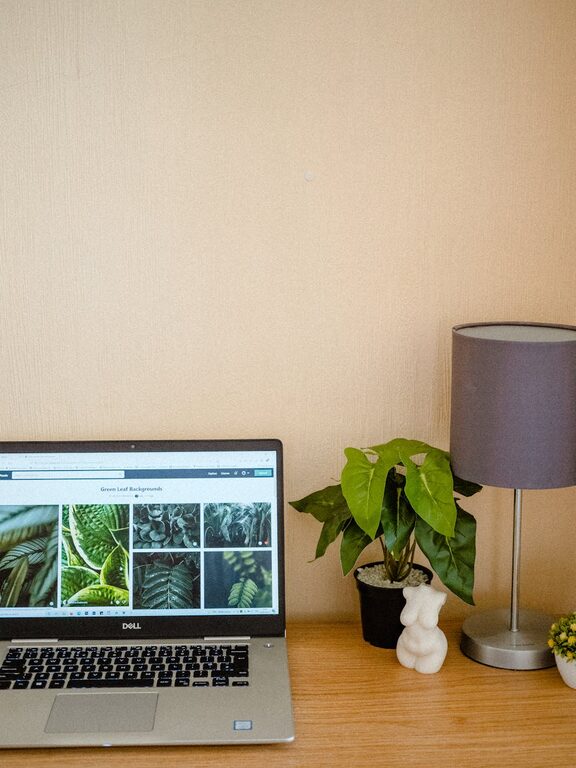
Adding personal touches can make your office feel more welcoming. Decorate with items that inspire and motivate you—this could be artwork, plants, or family photos. Plants, in particular, are a great choice because they improve air quality and add a calming natural element to your space.
Keep It Organized
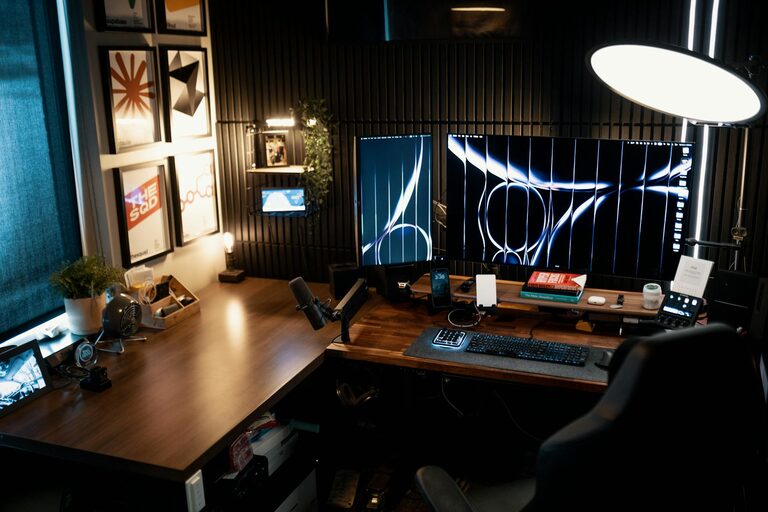
A clutter-free workspace supports focus and efficiency. Use organizers such as trays, shelves, and drawers to store office supplies neatly. Cables and chargers can create a mess, so consider cable management solutions to keep wires out of sight. Regularly declutter your desk to maintain a clear and inviting area.
Proper Lighting Setup
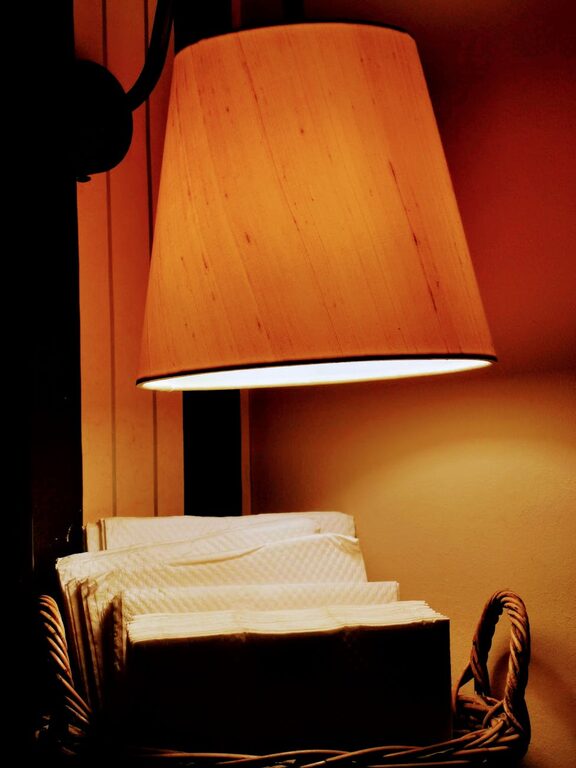
Good lighting reduces eye strain and enhances mood. Avoid harsh overhead lights and instead use a combination of natural light, task lighting, and ambient lighting. A desk lamp with adjustable brightness can be especially helpful for focused tasks. Consider bulbs with a daylight spectrum to mimic natural light and keep you alert.
Optimize Technology and Connectivity
Ensure your internet connection is strong and reliable for smooth video calls and online work. Position your router close to your workspace if possible or use a Wi-Fi extender. Invest in quality peripherals such as a wireless keyboard, mouse, and headphones to enhance comfort and efficiency.
Incorporate Storage Solutions
Storage helps you keep everything in order and within reach. Use vertical storage options like wall-mounted shelves to save floor space. Filing cabinets, baskets, and bins can hold documents and supplies. Choose storage that matches your décor style to keep the look cohesive.
Maintain a Healthy Work-Life Balance
Finally, set boundaries to separate work time from relaxation. Keep office supplies and work materials confined to your workspace. When the workday ends, close the door or pack away your laptop to signal it’s time to unwind. This helps maintain a healthy balance and reduces burnout.
—
By following these tips, you can create a home office that is both cozy and functional. A well-designed workspace not only makes work more efficient but also turns your home into a place where you feel comfortable and inspired. Start with small changes and gradually build an environment tailored to your needs and style.
About the Author